The reminder app made for the people you love.

Voice-first. Big readable text. Loud on-time alarms. And an optional password lock so loved ones with memory loss can't accidentally silence the reminders that keep them safe.

★★★★★ FREE during early access $6.99 No subscription, ever
Tap2Remind happy alarm clock mascot

Great for seniors

Three text sizes for older eyes, loud full-screen alarms that don't get lost in notification clutter, and a layout so simple there's nothing to learn.

Great for caregivers

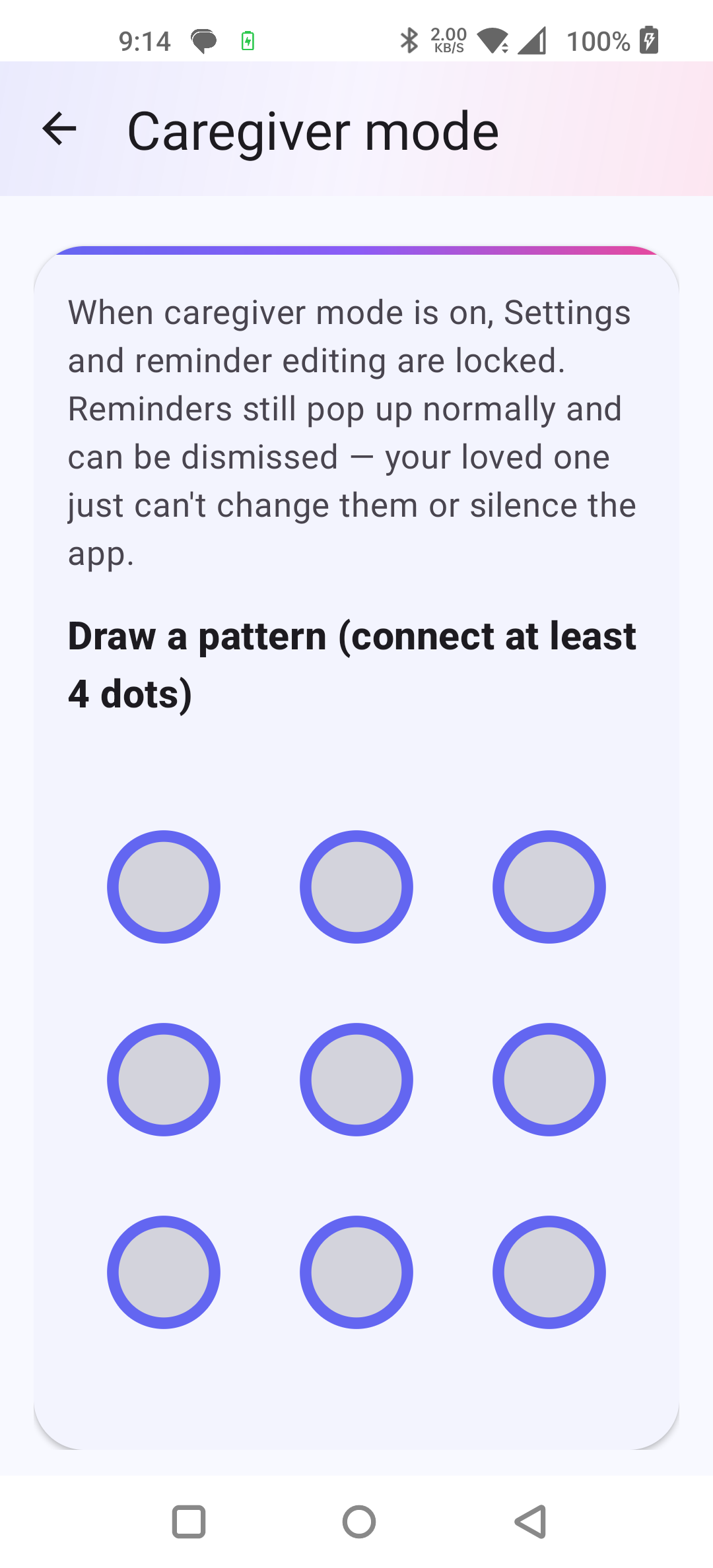
Optional 4-digit PIN or 9-dot pattern locks the settings. Your loved one still hears every reminder — they just can't silence or delete them.

Simple to use

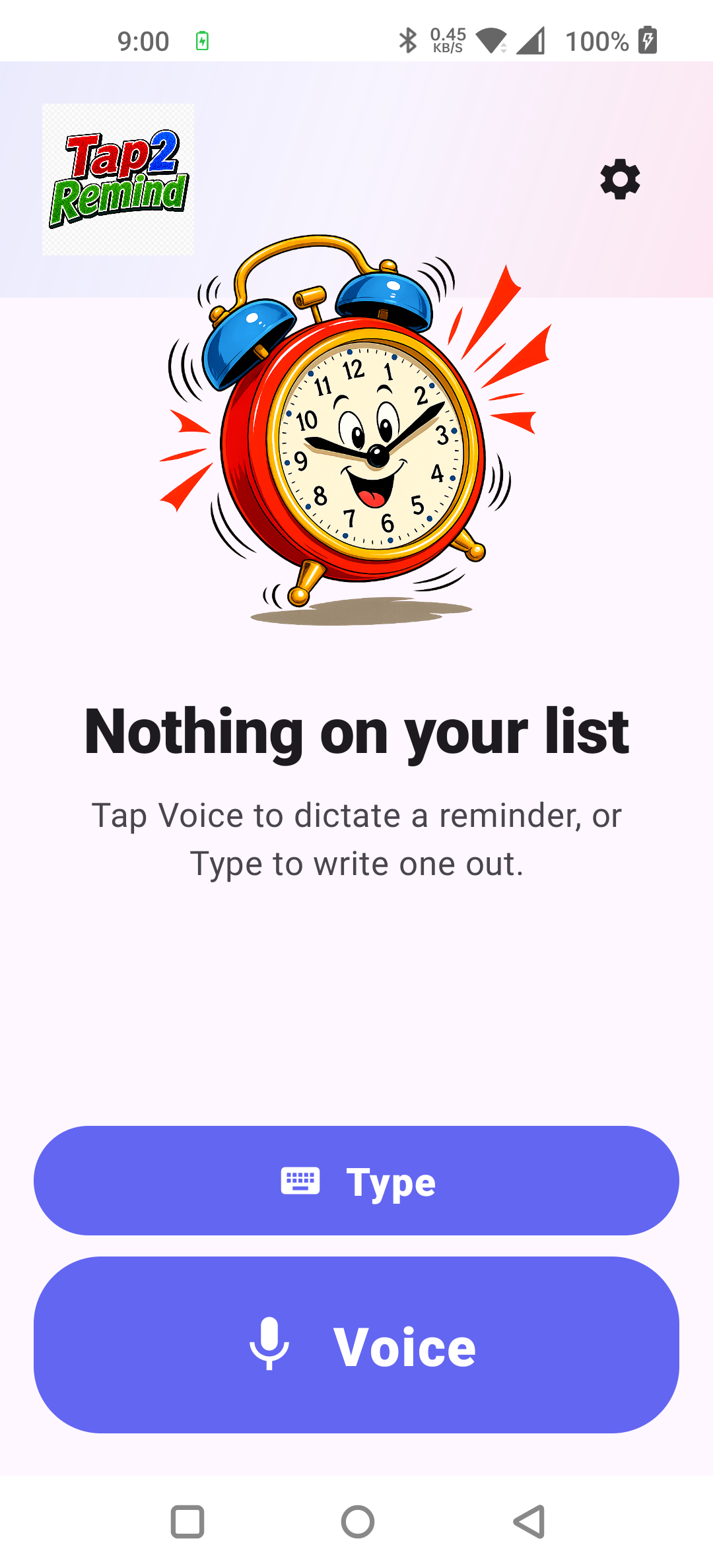
Hold the big voice button and say what you need to remember. That's it. No menus, no date pickers, no ten-step setup.

FREE right now · $6.99 later

You're getting the full app at no cost during early access. When the price goes live it's $6.99 once — never a subscription, never ads, free updates forever.

Caregiver mode

Built for the families who care.

If you look after an aging parent, a spouse with memory loss, or a loved one with cognitive challenges, you know the problem: they need the reminders, but a stray tap can disable them and you don't find out until something is missed.

  • Lock the settings with a 4-digit PIN or 9-dot pattern
  • Reminders still pop up loud and clear on schedule
  • They dismiss alarms normally — just can't delete or silence them
  • Set everything from your phone with optional cloud sync
  • Make text bigger in two steps for older eyes
Try it free for 30 days
Caregiver mode pattern lock — 9 dots to draw a pattern
Why Tap2Remind

Voice-first. Premium feel. No nonsense.

Every other reminder app makes you type, navigate, then tap a save button. Tap2Remind makes you speak — and that's it.

One-tap voice capture

"Remind me to take my pills at 8 tonight." Done. Tap2Remind understands natural dates, times, and places — no date picker, no fuss.

Loud, on-time alarms

Full-screen alarm with your choice of sound. Lights up the screen even when the phone is locked. Not just another notification you'll miss.

Big, readable text

Three text sizes — Normal, Large, Extra Large — so older eyes can read "Take your blood pressure pill" from across the room.

Location reminders

"Remind me when I get to the pharmacy." Tag a place and the alarm fires when you arrive — perfect for errands and grocery lists.

Optional cloud sync

Sign in with Google to back up reminders and set them for a family member from your own phone. Sync is optional — the app works perfectly offline.

Private by design

No ads, no analytics, no tracking, no selling your data. Your reminders are yours. We don't ever see them.

See it in action

Clean design. Made to be used.

Big touch targets, generous typography, simple layouts. Built so it works just as well in shaky 80-year-old hands as in 35-year-old ones.

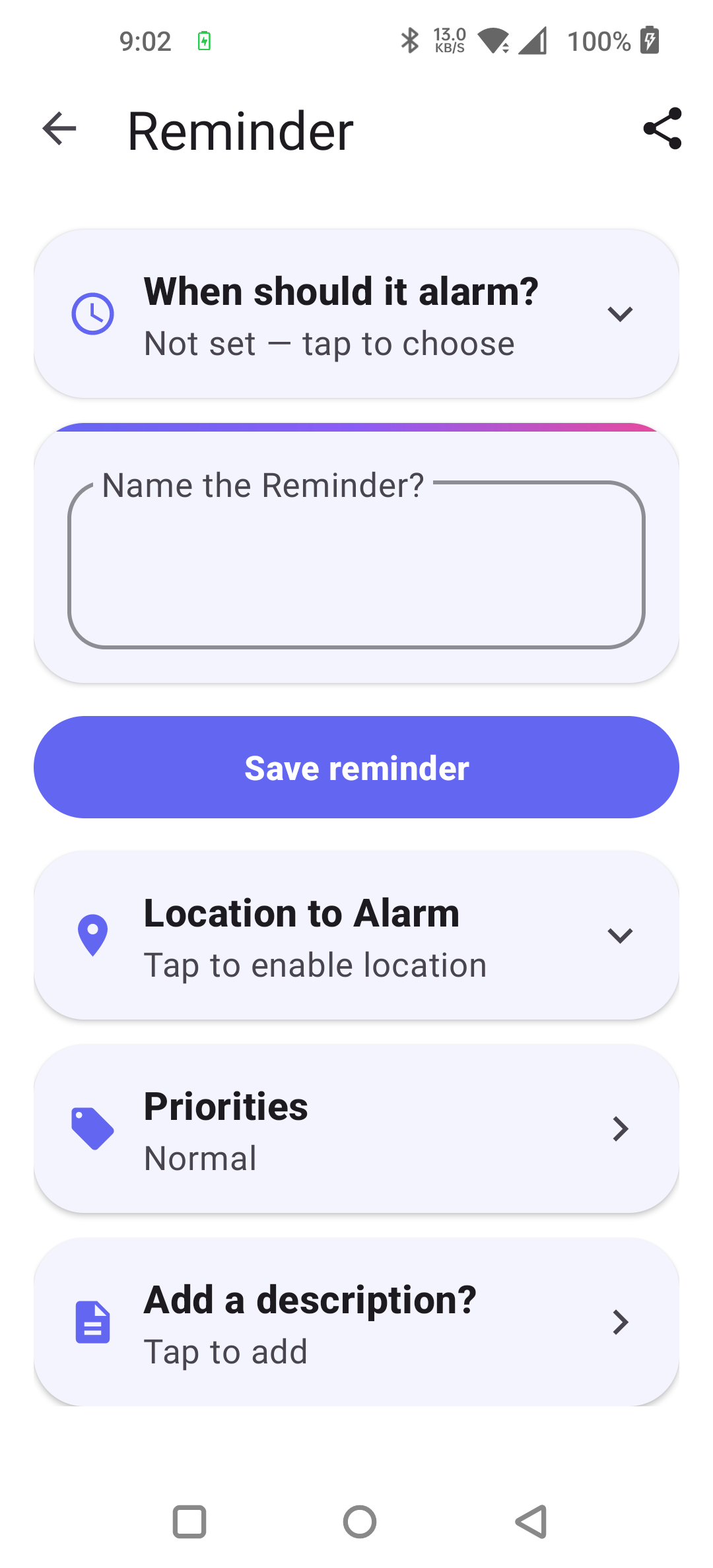
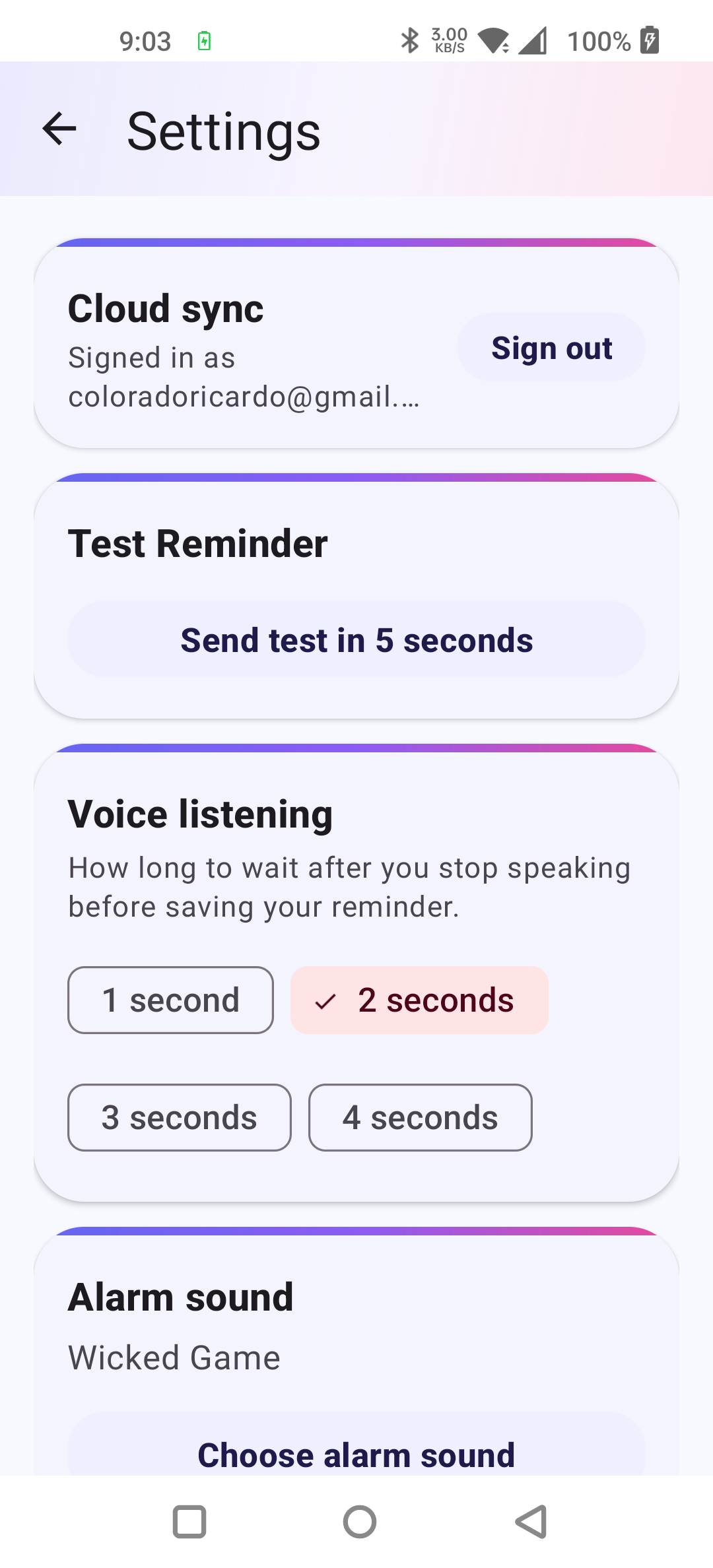
Tap2Remind home screen with Voice and Type buttons Creating a reminder — When, Name, Location, Priorities Settings with cloud sync, test reminder, voice listening, alarm sound
Pricing

Free during early access.

Early access
FREE
$6.99
Every feature, no payment, for everyone right now
  • Caregiver mode + large text
  • Voice-first reminder capture
  • Loud, on-time exact alarms
  • Location reminders + cloud sync
  • Custom alarm sounds + snooze
  • Works offline · no account required
Get it free on Google Play

When pricing launches it'll be a single $6.99 payment — never a subscription.

Common questions

Things people ask first

Is this really a one-time payment?

Right now, Tap2Remind is completely free during early access — every feature unlocked, no payment. When pricing launches, it'll be $6.99 once, then it's yours forever. No subscription. No "premium tier" upsells. No surprise charges. We don't believe productivity tools should be rented. Anyone who installs during the early-access window keeps the app at no cost.

How is caregiver mode different from just hiding settings?

When caregiver mode is on, your loved one still sees every reminder pop up loud and clear and can dismiss each alarm normally. They just can't open Settings, change the alarm sound, delete a reminder, or toggle one off — accidentally or otherwise. You unlock with a 4-digit PIN or 9-dot pattern (your choice).

Will alarms still fire if my phone is in Do Not Disturb or Battery Saver?

Yes, in nearly all cases. Tap2Remind uses Android's "exact alarm" system, the same one your phone's clock app uses. Once you grant the permission (the app walks you through it), alarms fire reliably even when the phone is locked, in Doze mode, or in Battery Saver.

Do I need a Google account?

No. Cloud sync (so you can manage reminders for a family member from your own phone) requires Google sign-in, but the rest of the app works perfectly offline with no account.

Does it work on iPhone?

Not yet — Tap2Remind is Android-only at launch. An iPhone version is on the roadmap. Email us at the address below to be notified when it ships.

What languages does it understand?

Tap2Remind uses your phone's built-in speech recognition, so it understands every language your phone does — English, Spanish, French, German, Italian, Portuguese, Japanese, Korean, Mandarin, and dozens more. Set your phone's language and you're good.

What about my privacy?

Voice recognition happens on your device via Android's built-in engine. Your reminders are stored locally and (if you opt in) in your own Google account via Firestore. We don't run analytics, don't show ads, don't track you, and don't sell anything to anyone. See our privacy policy for the boring details.
Free during early access.

Every feature unlocked. No payment. No subscription. Get it now and you keep it.

Get it on Google Play